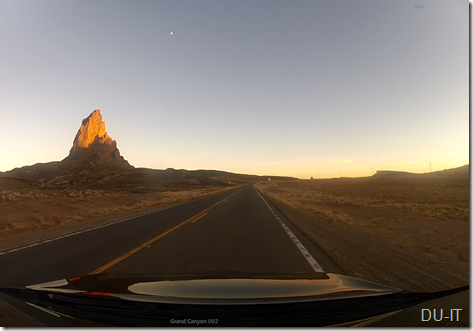
Well after too many years of fakey vacations …those are the ones where you ‘give’ yourself an extra Friday or a Monday so you can reach a little bit beyond your normal element but then are right back at it a few days later – I went for it …a REAL drop everything & get off the beaten path ‘vacation’. The blocked off time of 15 days was for real but how would I use this personal oasis and what to do? …the land that time forgot
The ‘to do’ list is also for real. For me, I find it enslaving albeit willingly tolerable with the adopted mission in mind of fulfilling biz goals and exceeding my clientele’s need for bullet proof IT (relatively …we are talking IT after all ;p). Getting the tread mill to disappear from my compulsion to ride it was tough. Sounds as if I’m an addict now reading that statement …well maybe the shoe fits. I replaced the business tasks with neglected personal tasks and off I went for an entire whirlwind of a week …7 of 15 gone – poof!
So where’s the rest & relaxation in that?! Good question.

Upon hitting this realization like a wall at full stride, it was time for an emergency board meeting. After the penitent plank virtual smackdown *doh! it was time to come to grips that I was completely blowing it again and I had to get radical. It was time to start to lay some concrete plans. All along the previous 7 days a few ideas were flirted with and tossed around but nothing was made certain. So at the literal 11’th hour (as in 11pm and all night following) it was time for some innovative determined spontaneous creative e-planning. One thing was for certain, I was leaving on a plane going somewhere before lunch of the next day. I needed the destination to be sufficiently shocking to my system so as to get my mind off all the crap that was dragging me down and zapping my innovative spirit. Also, getting out of cell phone signal range seemed like a good idea too. One remote location shock just ahead.
Facebook feedback was fun and furious. Ultimately though I had to live out and pay for whatever was ahead that my so called ‘friends’ were advising ;P. Oddly enough, Groupon came through by giving me a limited but wide ranging series of interesting and largely discounted getaways. I like a manageable palette of choices. So with that rough framework of 30 or so possible destinations it was time to pare that down to a short list and then marry them to and sort out flight options. In the end some just couldn’t work no matter how many ways I tried.
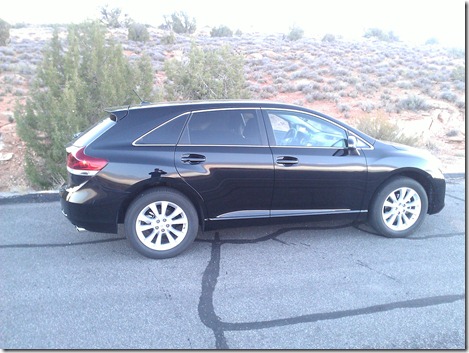
Which origin airport and which destination? Ughh more complexity. To sort through the “what if’s” I found Travelocity to be by far the most ‘get to the point’ helpful. What about any loose strings on hotels? – Kayak did a lot of heavy lifting. As for rental vehicles, a friend had tuned me into the fabulously convenience of the National Rental Car’s Emerald Club …walk down the line and pick the car you want – keys are inside and just say ‘hi’ to the nice lot guy before leaving the lot. Super fast and convenient. Since I didn’t bring anything with a GPS, I opted to rent one. In retrospect I could have bought one for a little more; nevertheless, that thing made the massive driving I did less painful and free from wrong turns and related stress of not knowing how much further before upcoming turns and towns. The GPS is a must have on such a trip; it saved my bacon.
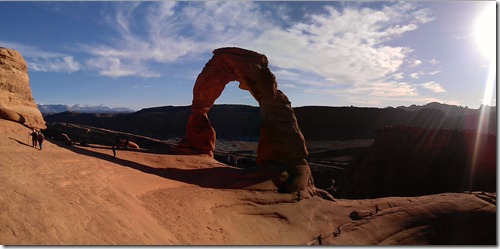
Another trip enhancer was the site, Trip Advisor, this was very useful and the user reviews were what made it such a standout. At some point an Android App, Every Trail, got recommended by an off-roading Hummer trip operation in Moab; this app provided a self-guided driving map through Arches National Park …this was not really that critically necessary since the park has tons of guidance resources but it did add the extra information from users who had been there – done that and pointed out key things for planning.
Though tools were used and a framework structure existed prior to departure, many details were left open to be planned as I lived the days. I thought this was of critical importance to free my mind and let it fully explore and seize the possibilities. This is what I highly recommend for any planner – give yourself a break on the treadmill and let things flow a little more naturally. Yeah that might mean odd quirks in scheduling or changes of plans ‘on the fly’ but hey You Are On Vacation!  …just roll with it. My flight out got missed and that turned my day of travel into a 27 1/2 hour “Planes, Trains, & Automobiles” ultrathon – but I got there dammit. While sitting around waiting for the next flight I took this opportunity to fill in some holes and schedule a guide to do some remote mountain biking; seemed like a sane and safe thing to do since I was unfamiliar with the landscape of Moab’s rugged outback.
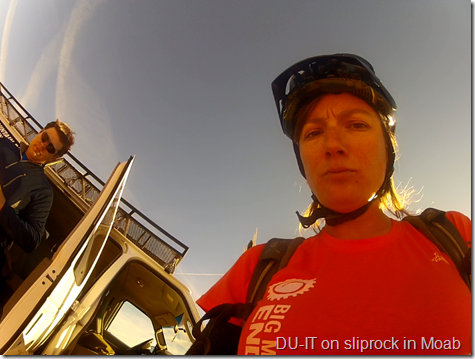
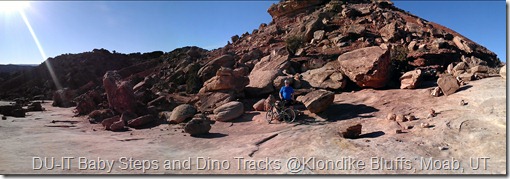
Beth of Rim Tours was an awesome guide in many ways; she (bringing the game face) was the little engine that could cliiimb and climb and climb. ** Note to self: insist to guide company that you are on ‘vacation’ and to not put you on a trail (Klondike Bluffs) that kicks your ass all day long. Save that for day two. Also note to self: a 5,000 ft. altitude increase does wonders on oxygen transfer in the lungs so do the half-day on the trail on day 1. Beth was keen along the trails to point out the dinosaur three talon platter size foot prints that were imprinted in the rock face at places – very cool. Also she packed in the lunch which I was equally excited to find …with a name like Luv Muffin Café you know it was good …going for a ride in Moab? Request Beth and you’ll be happy you did.
The delayed flights out also meant a missed reservation night at the hotel. Best Western Canyonlands in Moab was very kind and courteous and offered to shift my stay over a day. Yes, yes, yes and thank you Best Western! That meant my reservation at the Grand Canyon would get missed for a day but I wanted to stay in Moab to wind down before doing another 6-1/2 hour ++ drive. Moab is a simple place in many ways and that is what I was craving – simplicity. Walking to owner operated restaurants, bars, and shops in the evening wind down time; small town USA. God bless America. Moab delivered. Groupon was kind enough to change around the Grand Canyon deal so to reduce the days purchased and then the hotel worked to change the reservation appropriately. They then could use the what would have been unused room since they were full. Everyone was happy.
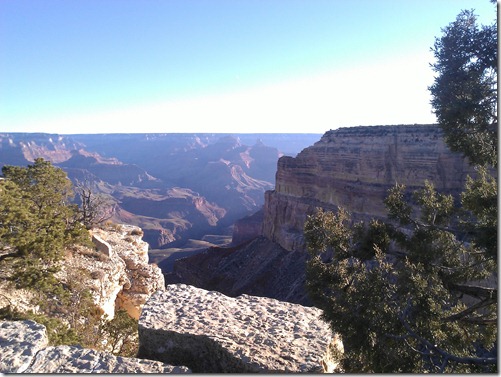
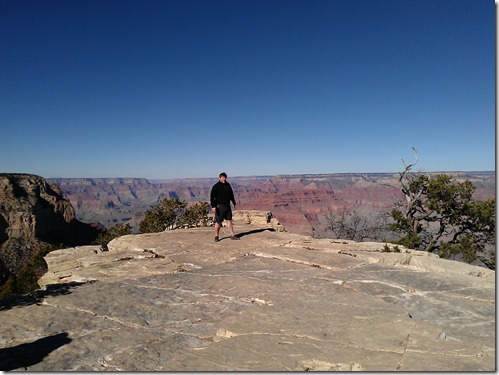
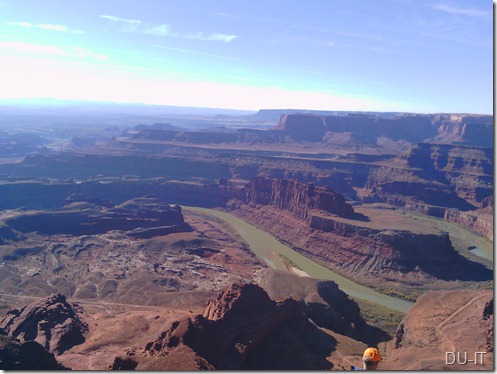
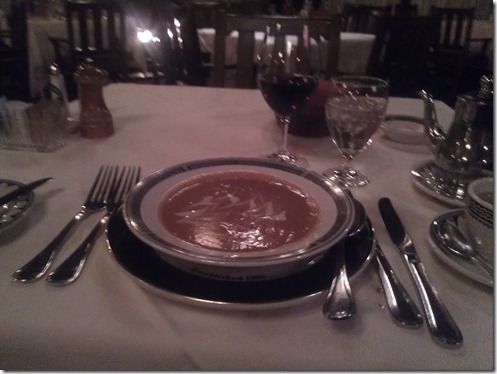
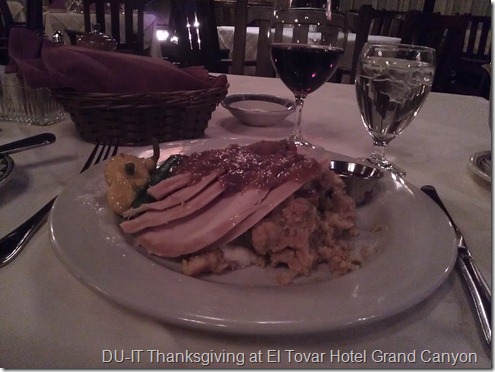
Grand Canyon! …almost overlooked that day and a half of the trip. Again just going with the lay of the land and opportunities as they appeared (much like in business), from Trip Advisor learned that eating at my hotel wasn’t so endearing; however, the El Tovar Hotel in the National Park and alongside the South Rim was. Getting there was a lot of fun not just half – driving through Monument Valley where the Navajo Nation live is breathtaking as the sun sets. Arrived and got into room late around 9pm, off to have evening Thanksgiving dinner overlooking one of the great wonders of the world. After that wonderful dinning experience – service, ambiance, and food were all incredible! – I had to leave and return to my hotel and as I drove through the maze of one directional roads a crazy woman wildly waving her arms stepped out into the road. I slowed to speak with her concerned that some emergency was taking place; she in a strangely calm voice was telling me that a friggn’ massive Elk was right ahead of me in the road and would I look up. Lo and behold there was a massive beast antlers and all standing some 10 feet in height directly in the road and off the side. It wasn’t some park prop; it was real! As directed I didn’t shout ‘Yahoo!’ or ‘Holy C-*-%#!’ …etc. and didn’t honk but just steadily eased by as we stared into each others eyes; we exchanged unspoken understanding of respect and admiration as I could tell he really liked my ride. In the morning I was frustrated by the lack of functioning Wi-Fi as the Captive Portal login was busted. A call to the front desk yielded no satisfaction so I opted to walk there myself to demonstrate the issue and get the guy to restart his router. While sitting in the lobby prepping my tablet, another guy sat close bye and I greeted him with a good day …etc. Turned out he was heading to see the sun rise in the Grand Canyon but wasn’t planning to be there too long but maybe til lunch. I asked if I could join him as the park charges $25 per car whether for a week or a couple of hours. So a quick pack-up and check out and off we went in the growing twilight of dawn. This turned out to be a great time and I’ve met a new friend from Kansas City; turns out he too needed to get away from the stress of life for some calming and awe inspiring nature.
My flights were nuts and I don’t know how to avoid this time consuming effort but I had to logistically plan the circuit so to keep the costs as reasonable as possible. That meant a last minute flight (under 24 hours) outbound – which dictated Airtran out of 1+ hour away Dayton.
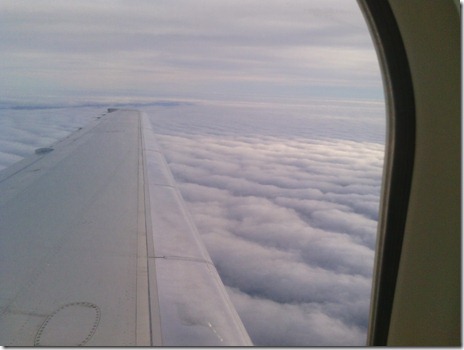
On the way back the origin had to be where I landed as the rental cars costs would have skyrocketed if I’d left in in Salt Lake, Grand Junction, or Denver rather than in Las Vegas. Once the choices get limited the choosing gets a lot simpler. In this case, Airtran didn’t have weekend flights so instead I flew US Airways …which was a great experience. Not sure if it was due to my birthday but I ended up in First Class on the first hop. The extra leg room was appreciated …as was ‘fabulous’ the Chardonnay, pompous pre meal finger towels, and passable pasta lunch *snobbily ‘darling’. Also my neighboring seatmate from Charlotte’s stories and business advice were a welcome respite between bouts of quiet sleep.
Yes, I started talking business on the way back. It’s in my blood. Intervention/therapist needed please inquire.
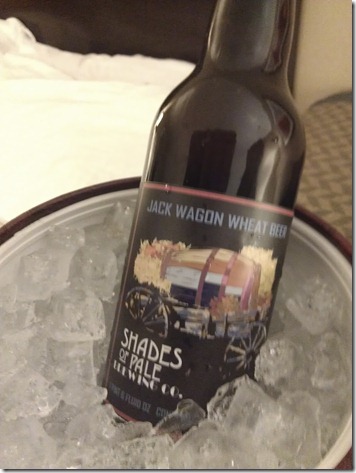
@Eric Deters – this one’s for you dude! …and it was very good too BTW



 Upwards in Business - Sisyphus meets IT